Don't Leave Your Keys Lying Around
Don’t Leave Your Keys Lying Around
Context
Your colleague Toto has installed a cheap connected lock at his place, bought online. Your mission is to get inside.
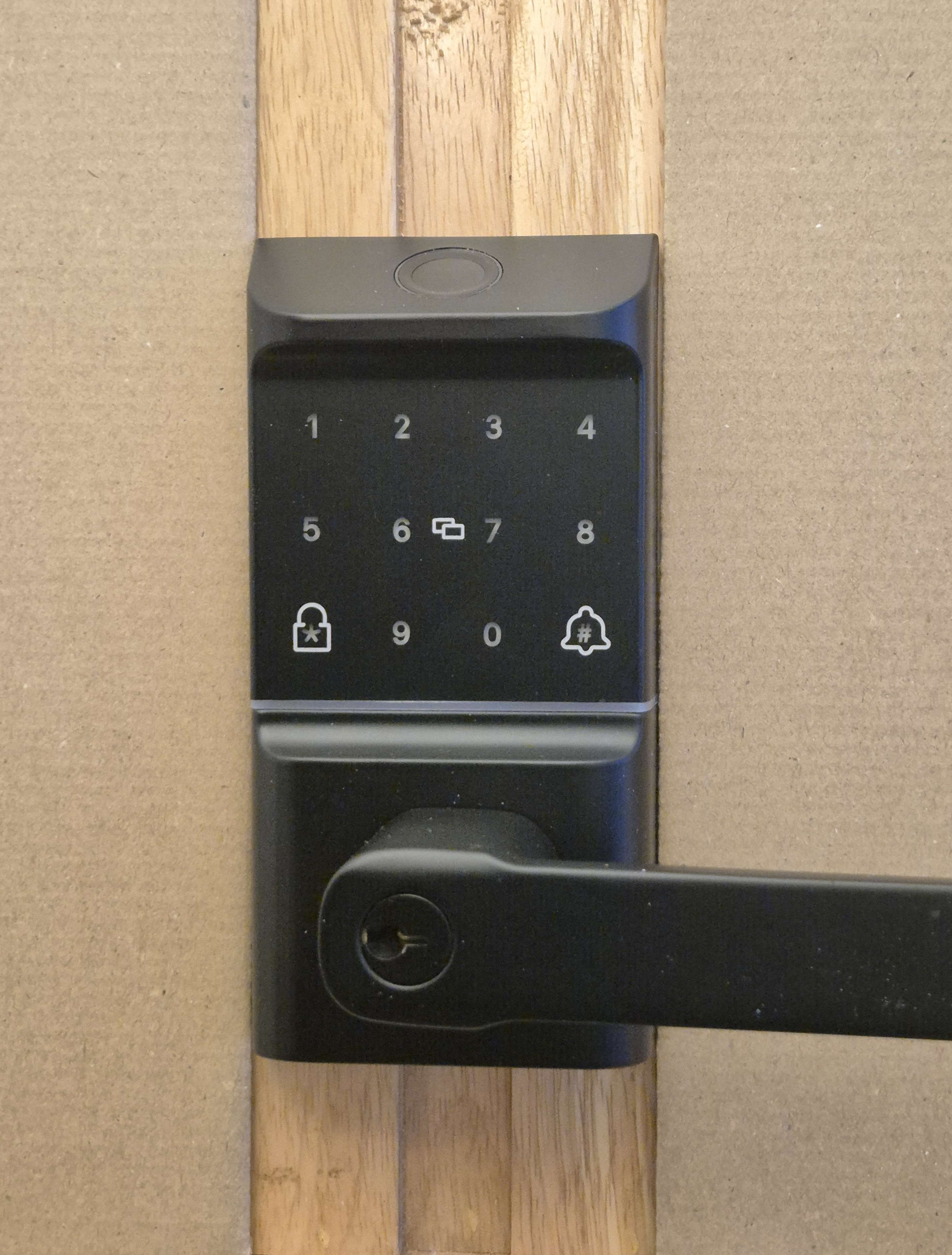
The lock can be opened in 5 ways:
- PIN code
- Fingerprint
- Badge
- Key
- From the TTLock mobile app
We are going to focus on the NFC badge. The goal is to open Toto’s lock by cloning his badge.
Legal Reminder
The law is clear: accessing a computerized system without the owner’s permission is illegal (articles 323-1 and following of the French Penal Code).
This scenario is fictional and all the steps were performed on my own lock, in my own lab.
Looking at the photos of my connected lock lab, you should be able to tell.
Step 1: Read the Badge Information
In our scenario, Toto left his keys unattended. You don’t have a Flipper Zero or a Proxmark. But you have your phone in your pocket. Using the NFC Tools app, you scan the badge and get the following information:
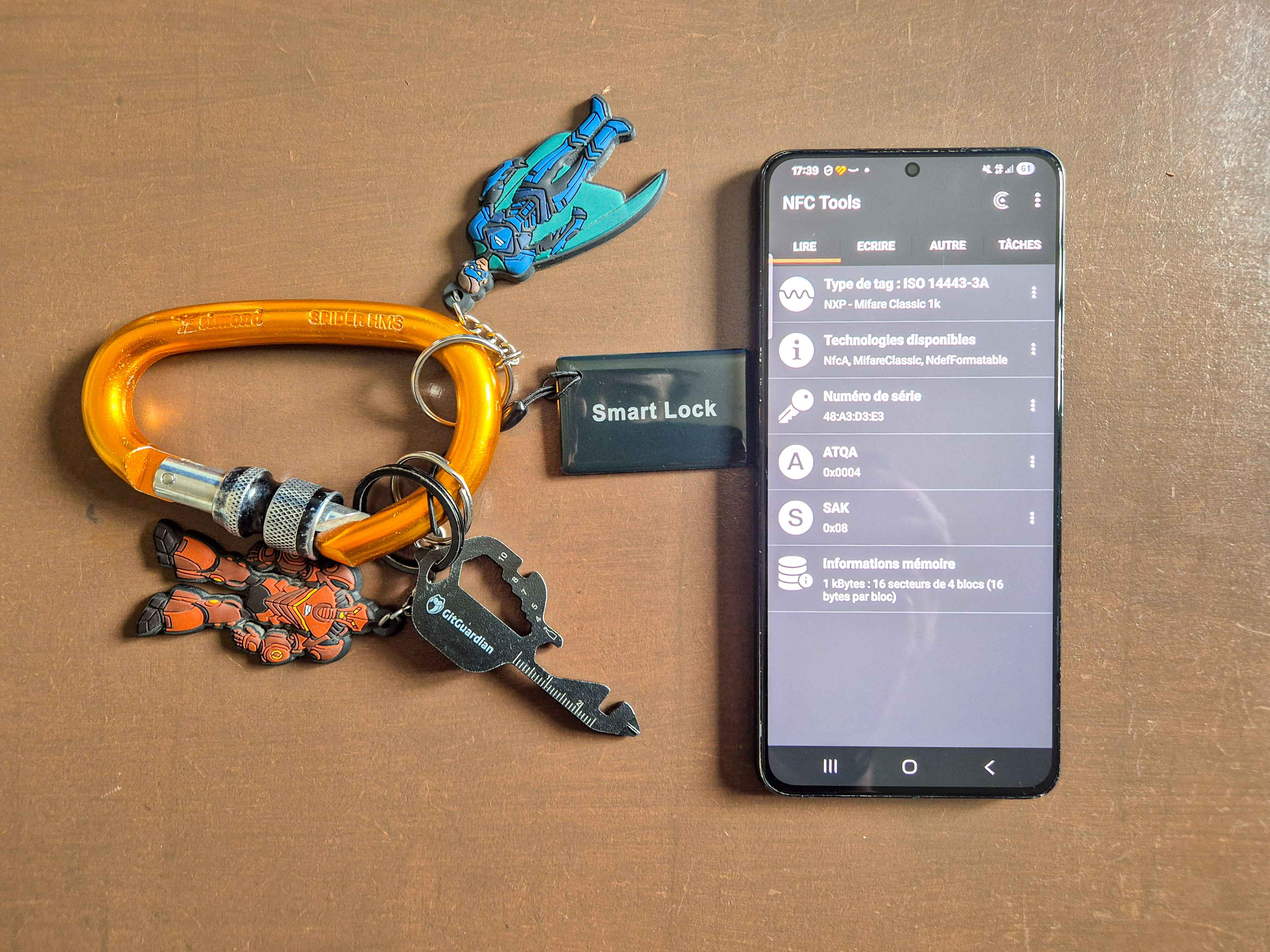
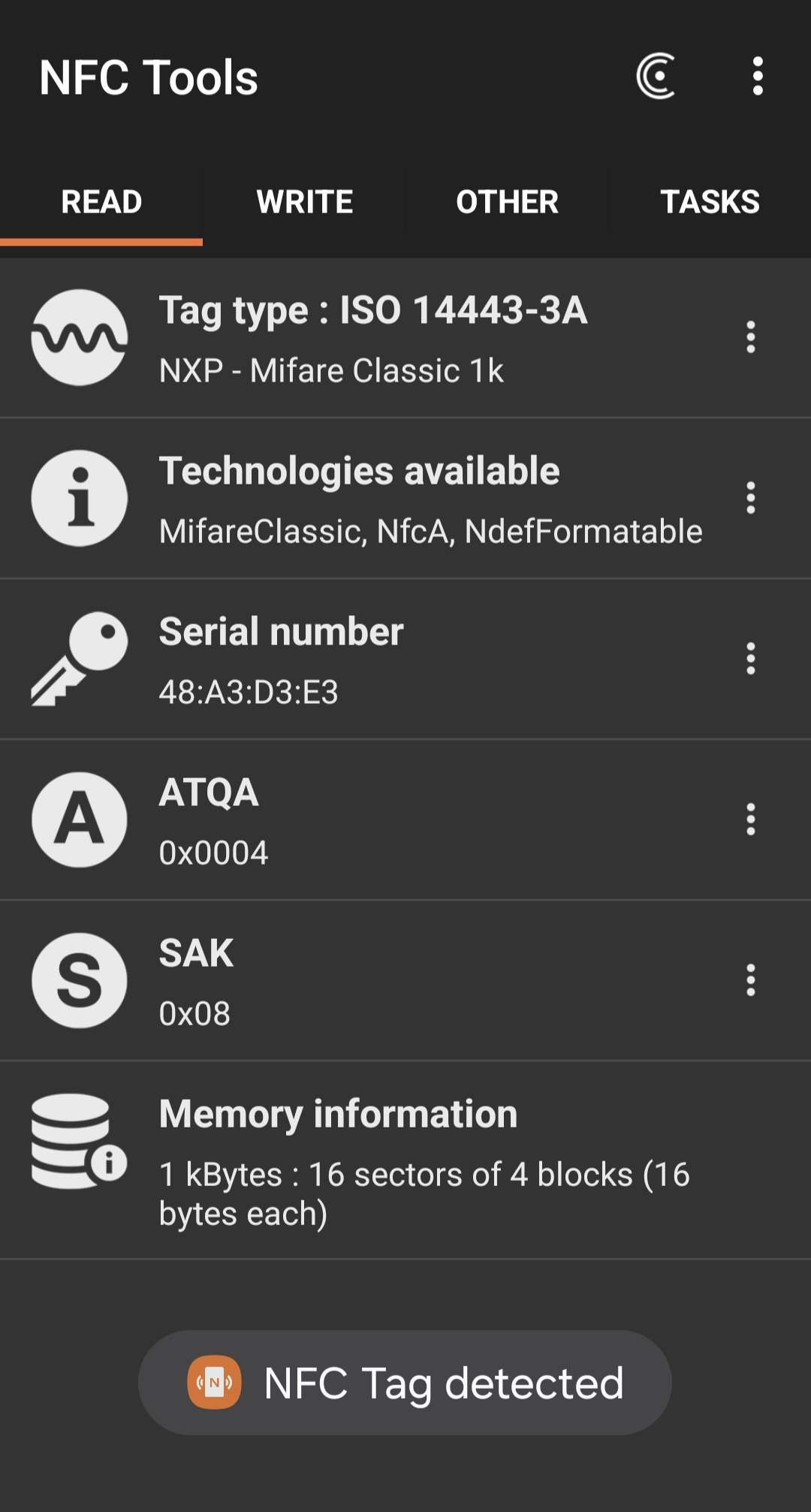
You can see:
- Tag type: ISO 14443-3A (NXP Mifare Classic 1K)
- Serial number (UID): 48:A3:D3:E3
- ATQA: 0x0004
- SAK: 0x08
- Memory: 1 KB split into 16 sectors of 4 blocks (16 bytes per block)
Why does it work with just a phone?
It works here because the lock’s reader only checks the card’s serial number (UID). In real life, you have no way of knowing this before you try.
In some cases, the lock also reads the card’s content. It then depends on the card technology and the protections the manufacturer put in place, especially the passwords protecting access to the sectors.
What if the lock checks the card’s content?
For several years now, Mifare Classic 1K cards have almost always been vulnerable. Even if strong passwords protect the sectors, cryptographic attack techniques (such as darkside, nested, or hardnested attacks) can recover them in almost all cases.
Using a Flipper Zero or a Proxmark3, it usually takes just a few minutes to read the full card content.
In short
If Toto steps away from his desk for a few seconds AND you only have your phone, then hope the serial number alone is enough to clone the card.
Step 2: Create a New Card
Now that you have the badge information on your phone, you can quietly create a clone using a Proxmark3.
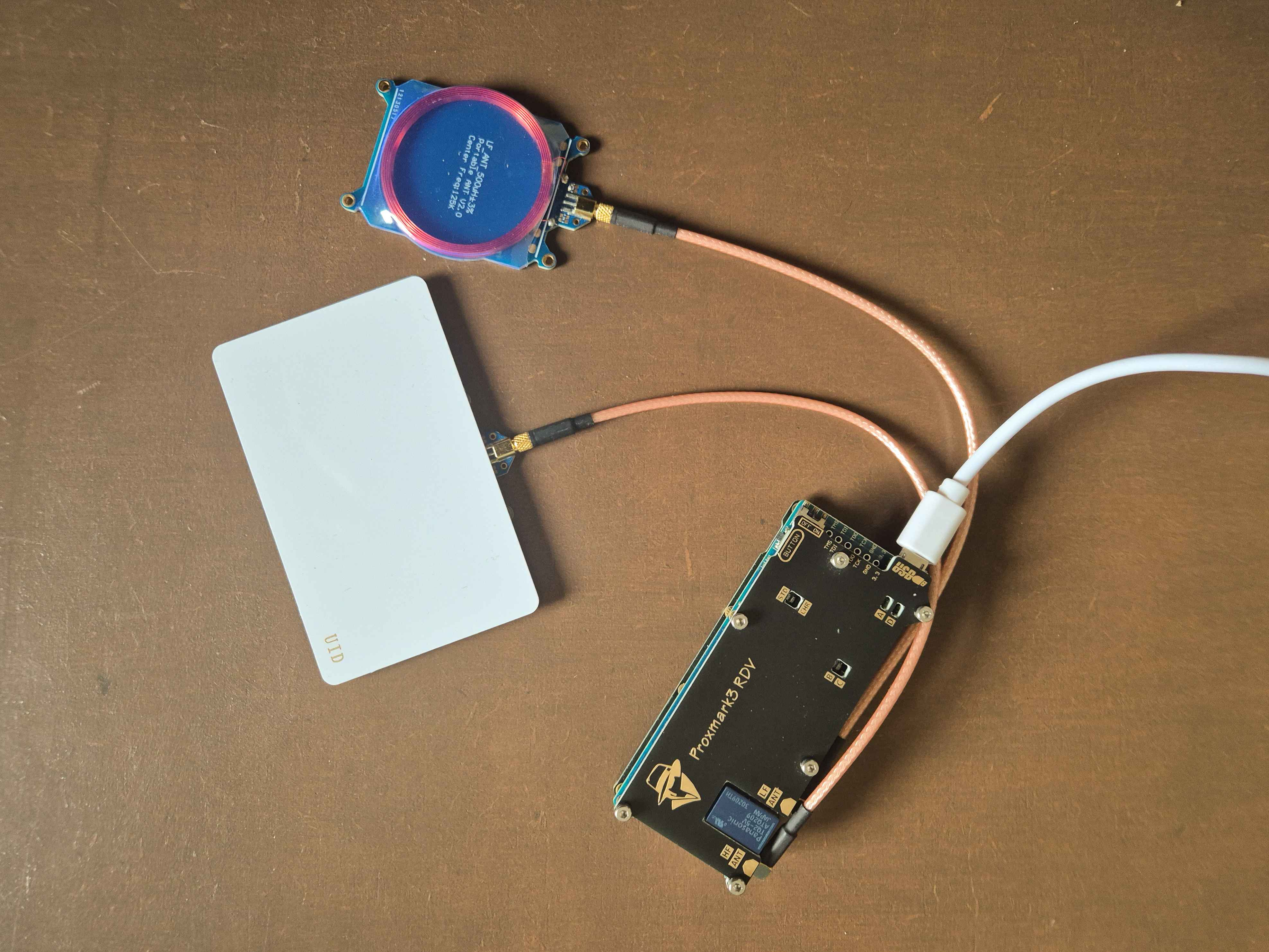
I’m using a Magic Card here. Unlike a standard Mifare Classic card where block 0 (which holds the serial number) is locked from writing at the factory, a Magic Card lets you freely modify the serial number.
To write the UID onto the Magic Card, you can use this Proxmark3 command:
1
hf mf csetuid -u 48A3D3E3 -a 0004 -s 08
Then verify the card info with:
1
hf mf info
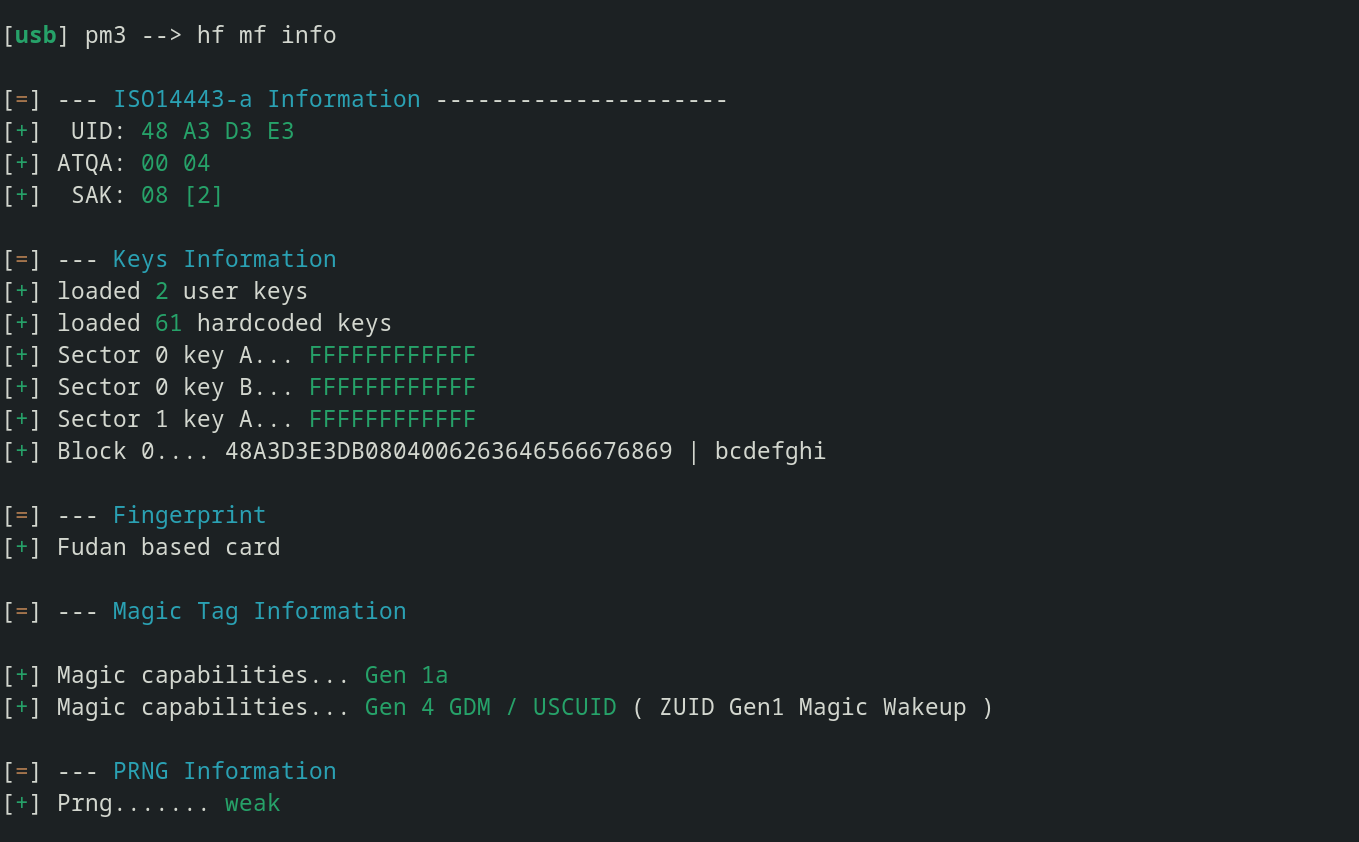
The UID, ATQA, and SAK all match the original badge. As we saw earlier, there’s no need to modify the other sectors of the card because our lock doesn’t check them.
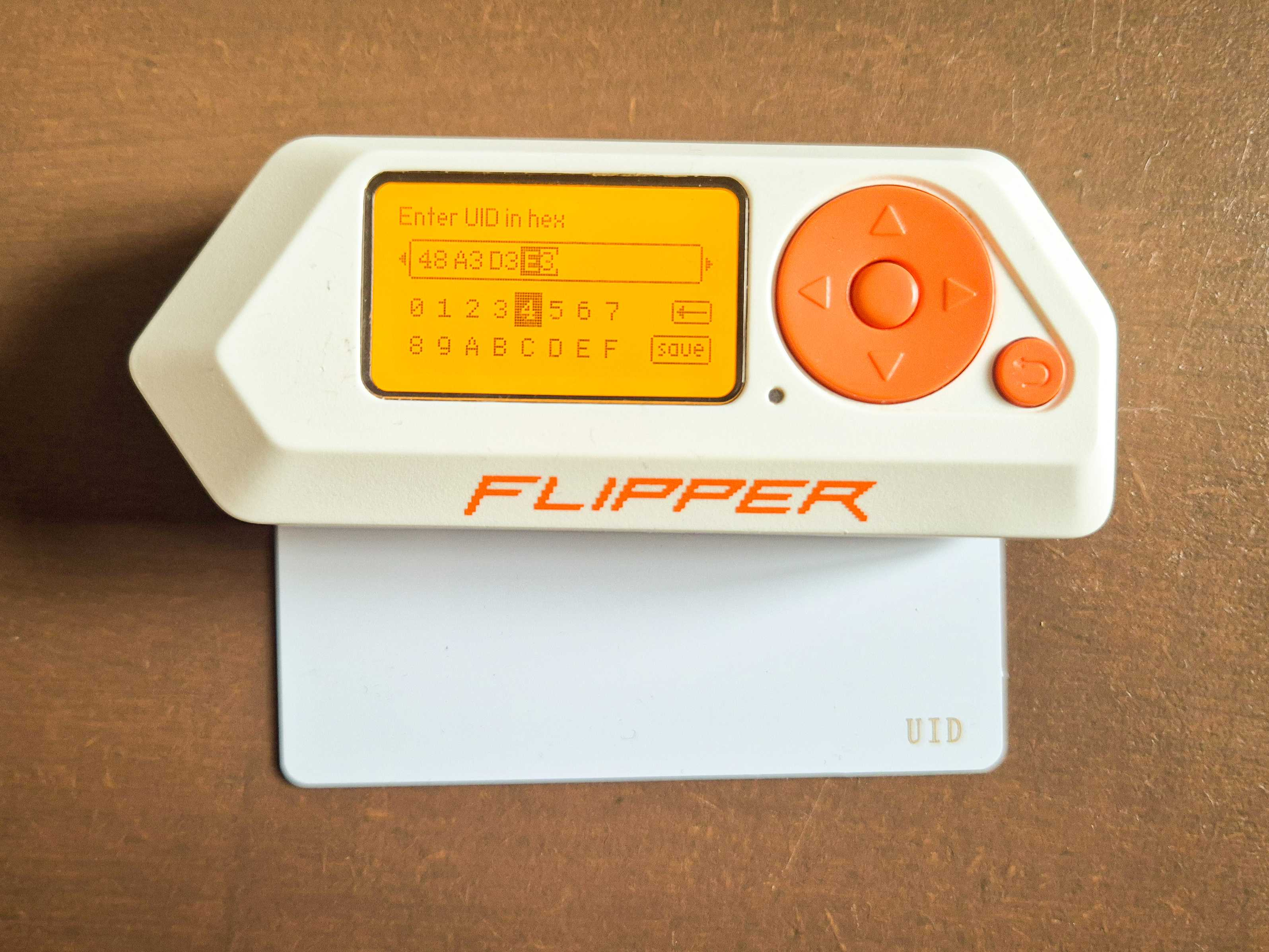
You can also use the Flipper Zero by entering the UID in hexadecimal directly in the NFC menu:
Step 3: Open the Door
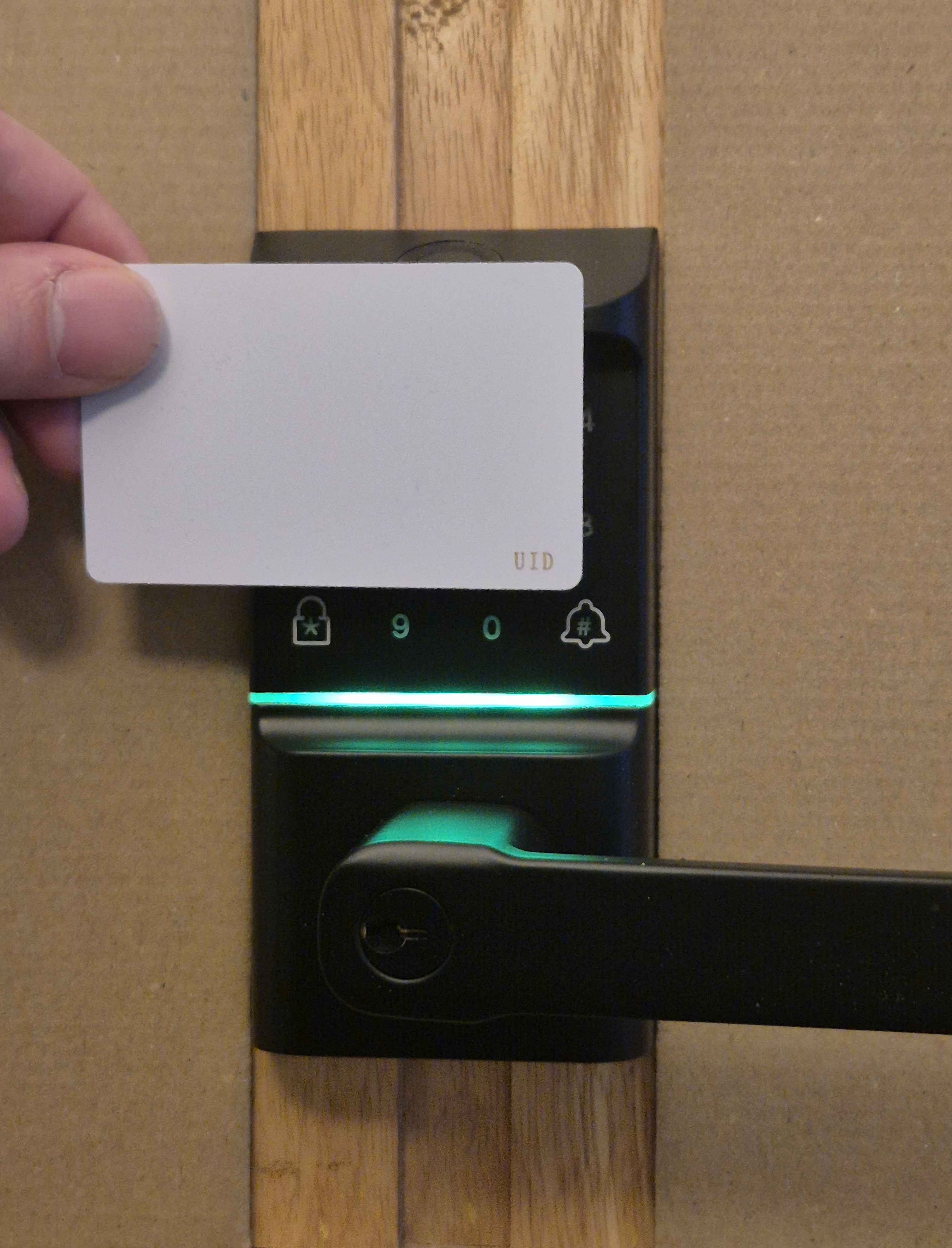
Now that you’ve made your cloned card, you can use it to open Toto’s lock. The green LED confirms access is granted.
With the cloned UID card:
With the Flipper Zero in emulation mode:
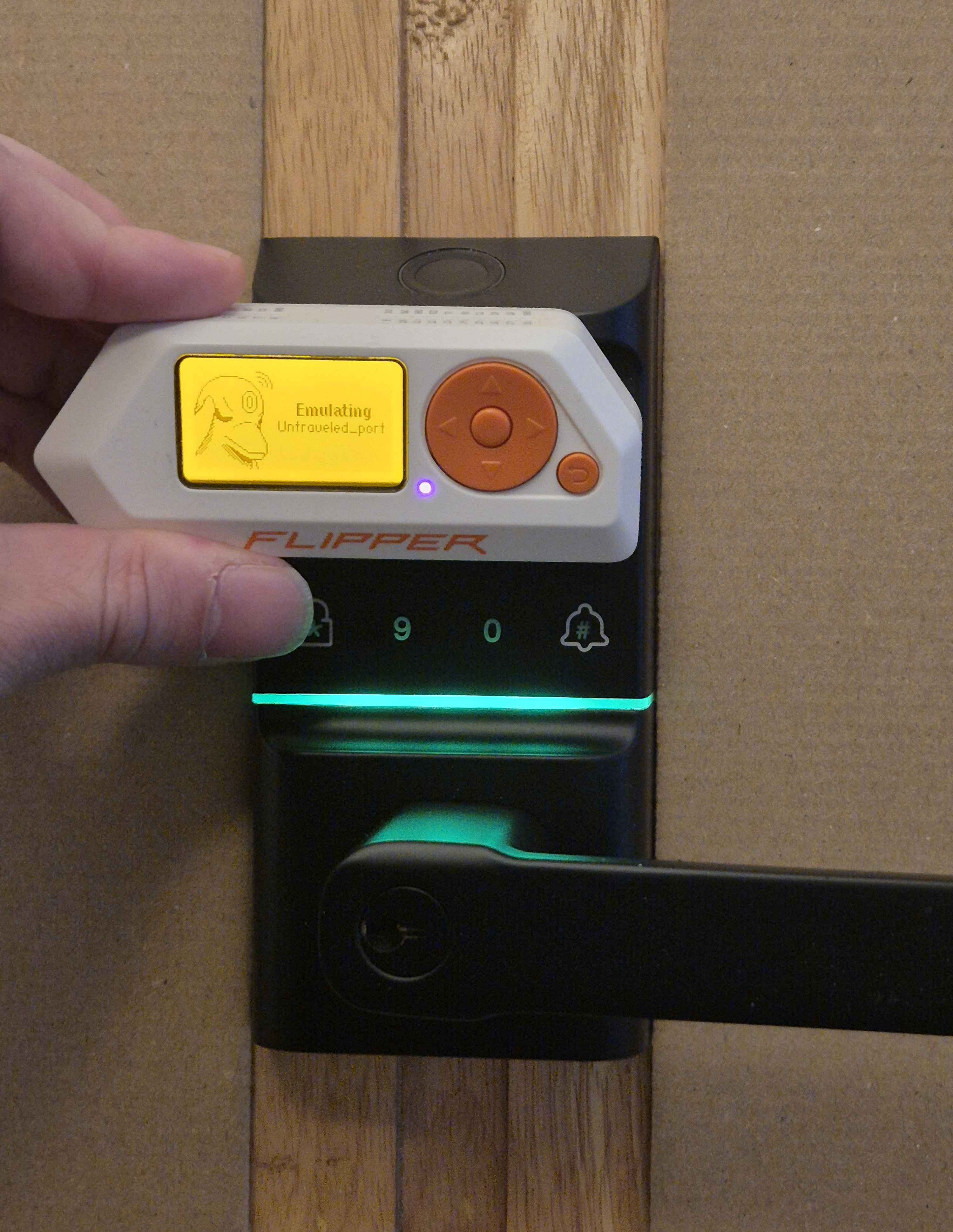
Both methods work: whether you present the cloned physical card or use the Flipper Zero to emulate the badge, the lock opens.
Mitigations
Readers that write to the badge
Some access control systems don’t just read the badge, they also write data to it on every use. This is the case for some Intratone systems used in residential buildings in France. These systems use a rolling counter: each time you use it, the reader increments a counter stored on the badge.
If you clone the badge, the counter on your clone is frozen at the value it had at the time of copying. As soon as the original badge is used, its counter moves forward and the clone becomes out of sync, which may make your clone unusable.
A tip if you want to clone your own badge: do a first read before creating the clone, then a second read after. This way you can compare both reads and identify what changed.
Magic Card Detection
Some readers can detect Magic Cards and deny access, even if the data is a perfect copy.
Manufacturer check:
Genuine Mifare Classic cards are made by NXP Semiconductors. Magic Cards use Fudan chips or other manufacturers. To detect this, the reader can inspect:
1st byte of the UID:
Real NXP UIDs start with 0x04 (as defined in ISO/IEC 7816-6). Fudan chips have their own prefixes.
Bytes 8–15 of block 0:
Fudan cards often leave the sequence 62 63 64 65 66 67 68 69 (= “bcdefghi” in ASCII).
Just like my Proxmark was able to detect my Magic Card’s manufacturer, a badge reader can also detect clones this way.
Probing the Magic Wakeup command:
To understand this detection, keep in mind that an NFC badge doesn’t just read and write data. It also responds to a whole set of protocol commands sent by the reader: wake-up (REQA, WUPA), sleep (HLTA)…
The reader can send the Magic Wakeup command. Magic Cards will respond with an ACK, which gives them away. This is actually how the Flipper Zero checks whether the tag it’s reading is a Magic Card.
There are other Magic Card detection methods, but these are by far the most common.
Conclusion
This small exercise shows how easy it is to clone a cheap NFC badge. With just a smartphone and a few seconds of access to the badge, you can grab its UID.
With a Proxmark3 or a Flipper Zero and a Magic Card that costs a few euros, the clone is ready in minutes.